In this guide
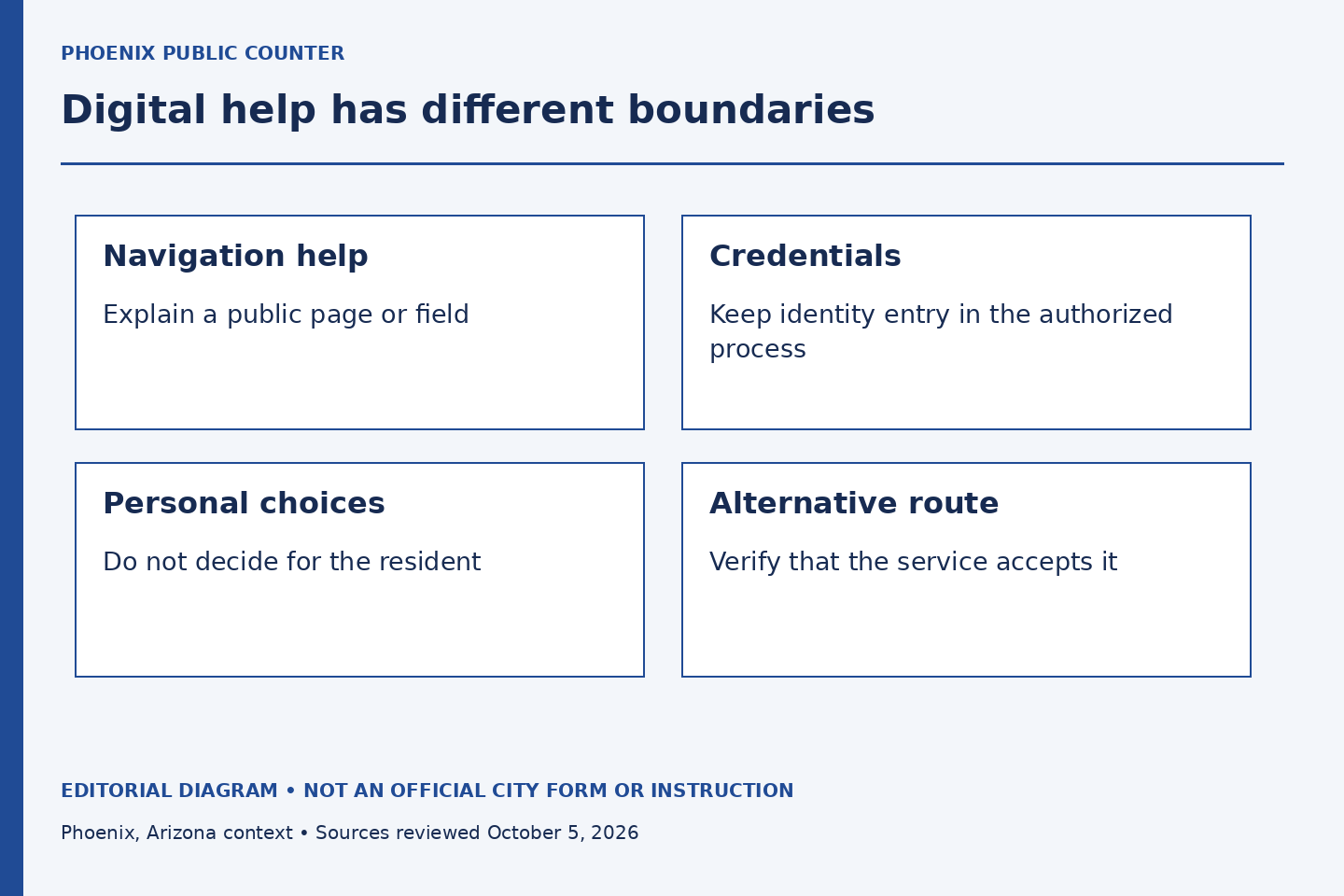
A resident who asks for help with an online service may need a page explained, a device made usable or an alternative route. The request does not automatically mean that a staff member should operate the account. For Phoenix employees who provide public-facing help, the important distinction is between explaining the task and assuming control of someone else's identity or decision.
This is general staff-side practice, not an official City account-support procedure. Follow the department's current rules for assisted service, accessibility and privacy. The public City resources establish official destinations; this publication never collects credentials, verification codes, applications or resident records.
Clarify the obstacle before touching the device
Ask what the person is trying to complete and where the difficulty occurs. Is the page hard to read, the wording unclear, the device inaccessible, or the person unsure which official service applies? These are different problems. A login reset may be irrelevant if the resident is on the wrong service page.
For a fictional exercise, a resident has opened an employee-system link while trying to find a recreation service. The first useful action is to identify the correct public route. eCHRIS serves employee administration; it is not the general destination for resident requests. No password handling is needed to make that distinction.
Keep credentials and personal decisions with the person
Explain where an authorized process asks for a password or verification code without asking the resident to tell you the value. If the service has a supported assisted-access procedure, use it according to current instructions. Do not create an informal workaround simply because sharing a code would be faster.
The same boundary applies to choices. A staff member can explain what a field asks, but should not select a consequential answer or agree to terms on the person's behalf without the appropriate authority. An accessibility need should lead to an authorized arrangement, not a presumption that the person has surrendered control.
Use demonstration material for practice
A training session should use a fictional form, a public information page or an approved demonstration environment. Avoid live accounts and real personal records. Even a screenshot can reveal names, account numbers, browser tabs or notifications that do not belong in a peer exercise.
Have one participant describe the task while another gives verbal navigation help. Observe whether the helper uses labels the learner can find, pauses between steps and asks before moving into a different task. The exercise tests the quality of explanation rather than the speed with which the helper can operate a screen.
Recognize when another route is needed
If the online process cannot be used effectively, consult the official service's current alternatives and the department's accessibility process. Do not invent a paper submission, promise that an email counts as an application or tell the person to use someone else's account. A convenient route is not necessarily an accepted route.
The Citywide Accessibility Resources page provides a starting point for published resources. The actual arrangement depends on the service and the person's request. This article does not decide an accommodation or certify that a particular website is accessible.
End the assistance cleanly
When the explanation is complete, let the person confirm what they will do next. Follow the approved process for shared devices and any records created during the interaction. Do not promise that closing a browser tab erases all information, and do not retain a private copy of the person's data for convenience.
A successful interaction leaves the resident able to use the next authorized step with their choices and identity intact. The employee has helped with understanding while respecting the boundaries of access, privacy and decision-making.
Sources and limits
Official public sources checked October 5, 2026. Examples and exercises are original editorial illustrations, not City records or instructions.
- Citywide Accessibility Resources
Published accessibility resources across departments. Individual accommodations and legal obligations require authorized review.
- City Workforce
Official workforce resource map; no vacancy, pay offer or benefit eligibility is asserted.
- City of Phoenix Human Resources
Public HR responsibilities and official employee eCHRIS link. Does not expose internal screens or establish a personal entitlement.